


Android meditation app

An app for meditation.

Mediblation helps you start a session, adjust its duration when needed, then let time and sound hold the framework. Meditation remains at the heart of the app.

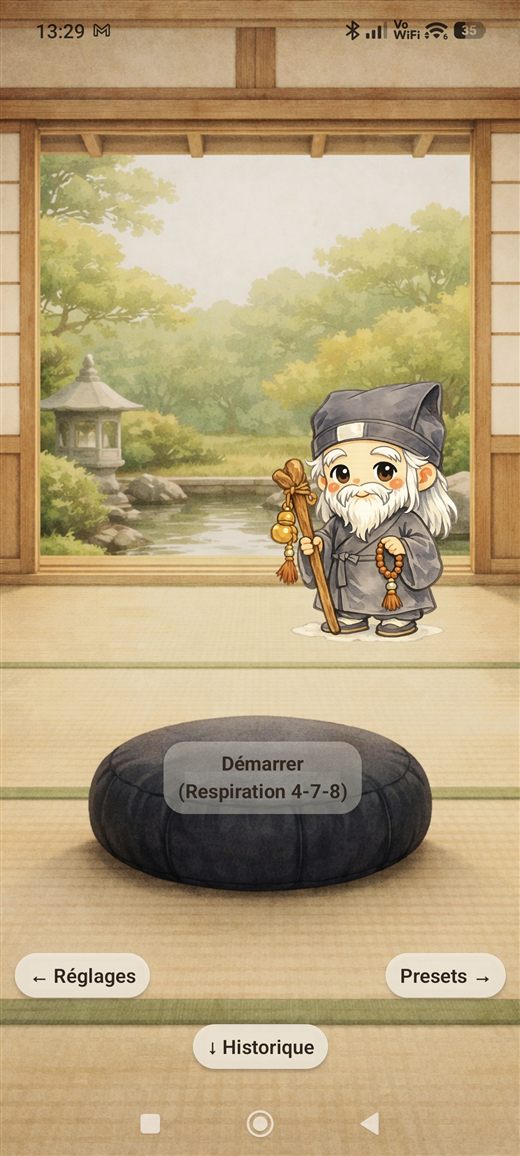
Mediblation home screen
Mediblation guide sitting in meditation

Open the app, choose a session, and let the practice take its place. Mediblation is there to support that moment, not fill it.

Available on Android

Start your next session.

Install Mediblation from Google Play. On a computer, scan the QR code with your phone to open the app listing directly.

Get it on Google Play
QR code to Mediblation on Google Play Scan to open Google Play

Discover

Sessions that are simple to start.

01

Choose a session.

Start from a saved session, adjust the duration, then begin. If you prefer some guidance, the breathing assistant can also help you choose a starting point.

  • Clear duration
  • Start, end, and reminder sounds
  • Local use available offline
Mediblation home screen with start button
A simple place to begin.
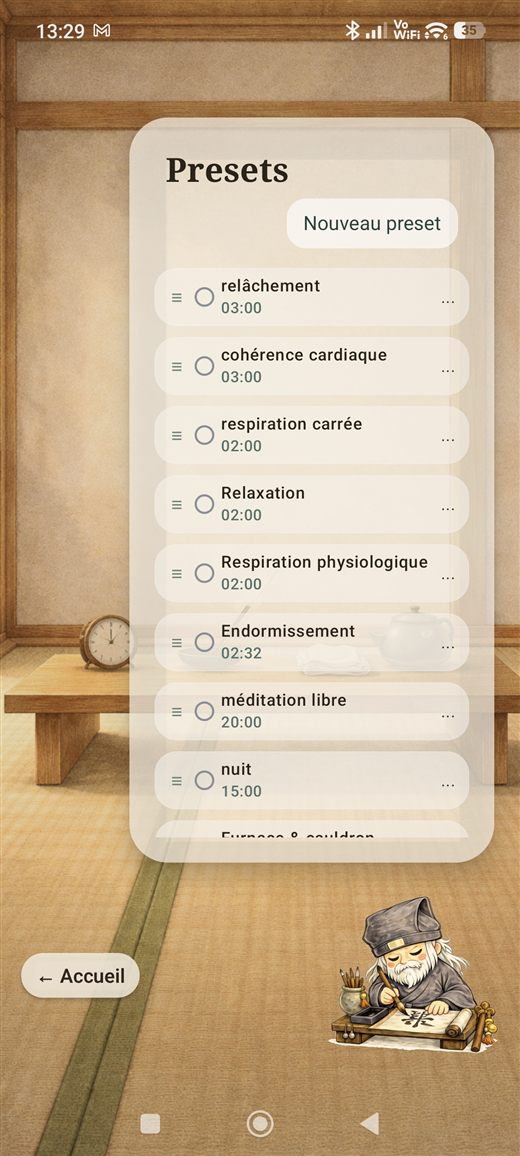
Mediblation session list
Find your sessions easily.
02

Let the session unfold.

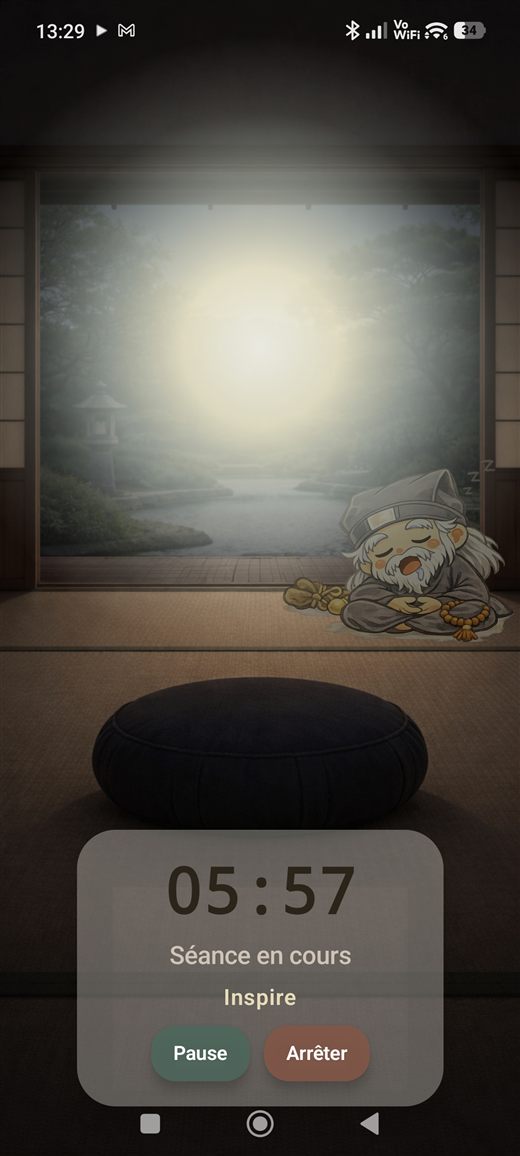
During the session, the timer, ambiences, and sound cues hold the framework. The idea is to put the phone down, or simply stop thinking about it for a while.

  • Continuous audio playback
  • Sound cues when you enable them
  • A readable session display
Mediblation session timer
Time stays visible without taking over.

Extended features

Extra support, when it is useful to you.

Mediblation can support other uses while keeping meditation at the center.

Breathing assistant

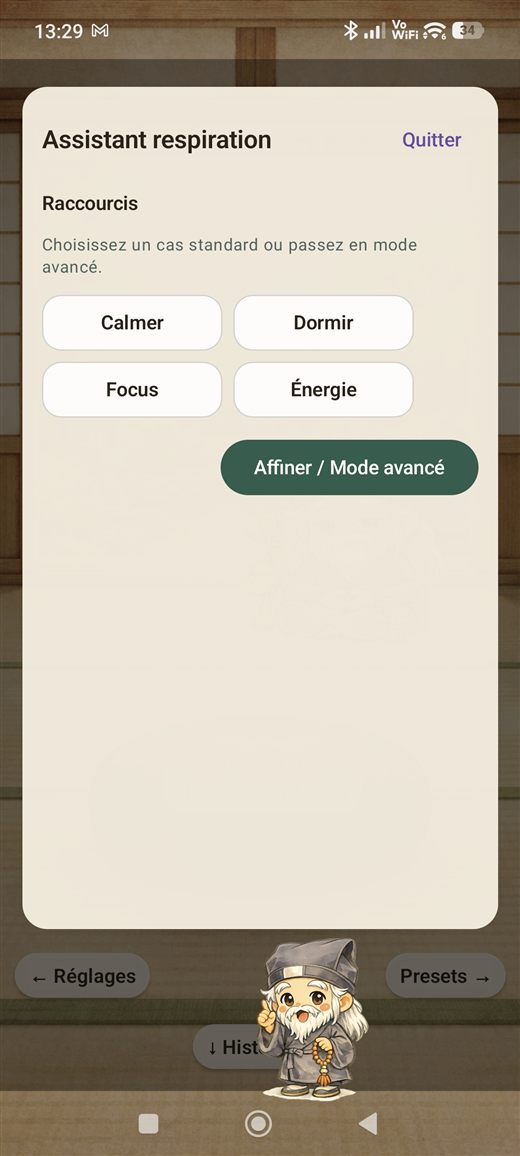
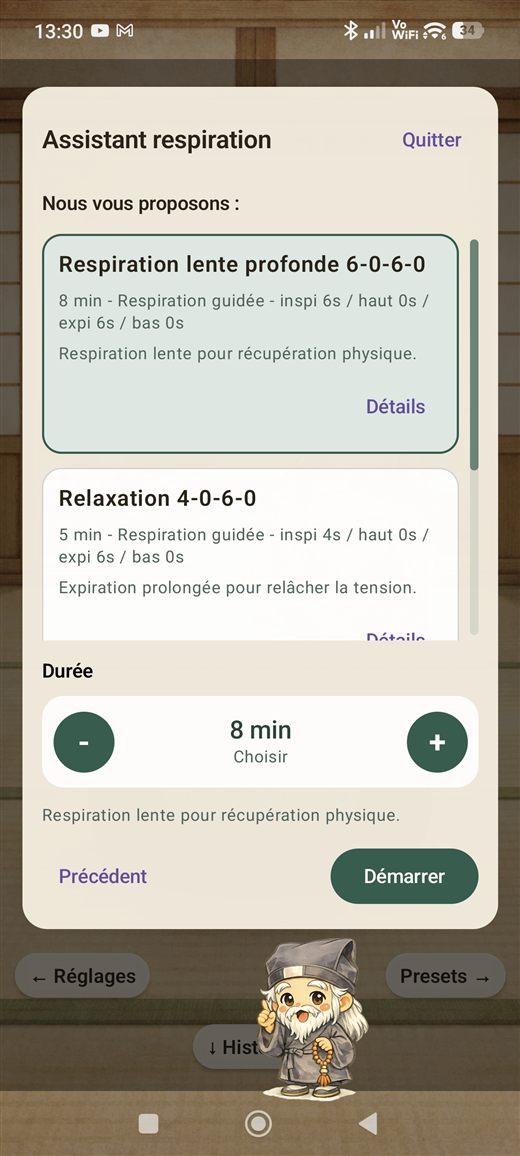
When you are unsure what to start, the assistant can suggest a few breathing exercises based on how you feel.

Motion tracking

In development

The phone can record movement during a session to help you review the practice and, later, offer gentle reminders to recenter.

Post-session review

In development

History, reflections, motion markers, and future guidance features are evolving step by step.

Breathing assistant shortcuts
A few ways to get started.
Breathing assistant suggestions
Suggestions ready to start.

My data

Online sharing remains your choice.

You can keep your sessions on your phone. If you sign in and choose to do so, Mediblation can also sync session and motion data to support online services and improve future guidance features still in development.

Without an account

You can meditate, start guided breathing, keep a local history, and use your sessions without an online service.

Local tracking during sessions

During a session, Mediblation can track phone movement to provide local feedback after the practice.

Online synchronization

If you sign in, you can choose to sync your session and motion data. Technical logs useful for troubleshooting remain a separate option.

Export on request

You can request a complete copy of your online data by email. The archive is prepared in a structured, machine-readable format, such as JSON/CSV and associated raw files when necessary.

A question?

You can write to us.

For a question about the app, privacy, or your online data, use the public contact address.

contact@blavy.eu